






I wanna
- chat with an assistant
- make a picture
- make a video
- hear text read aloud
- turn a recording into text
- make music
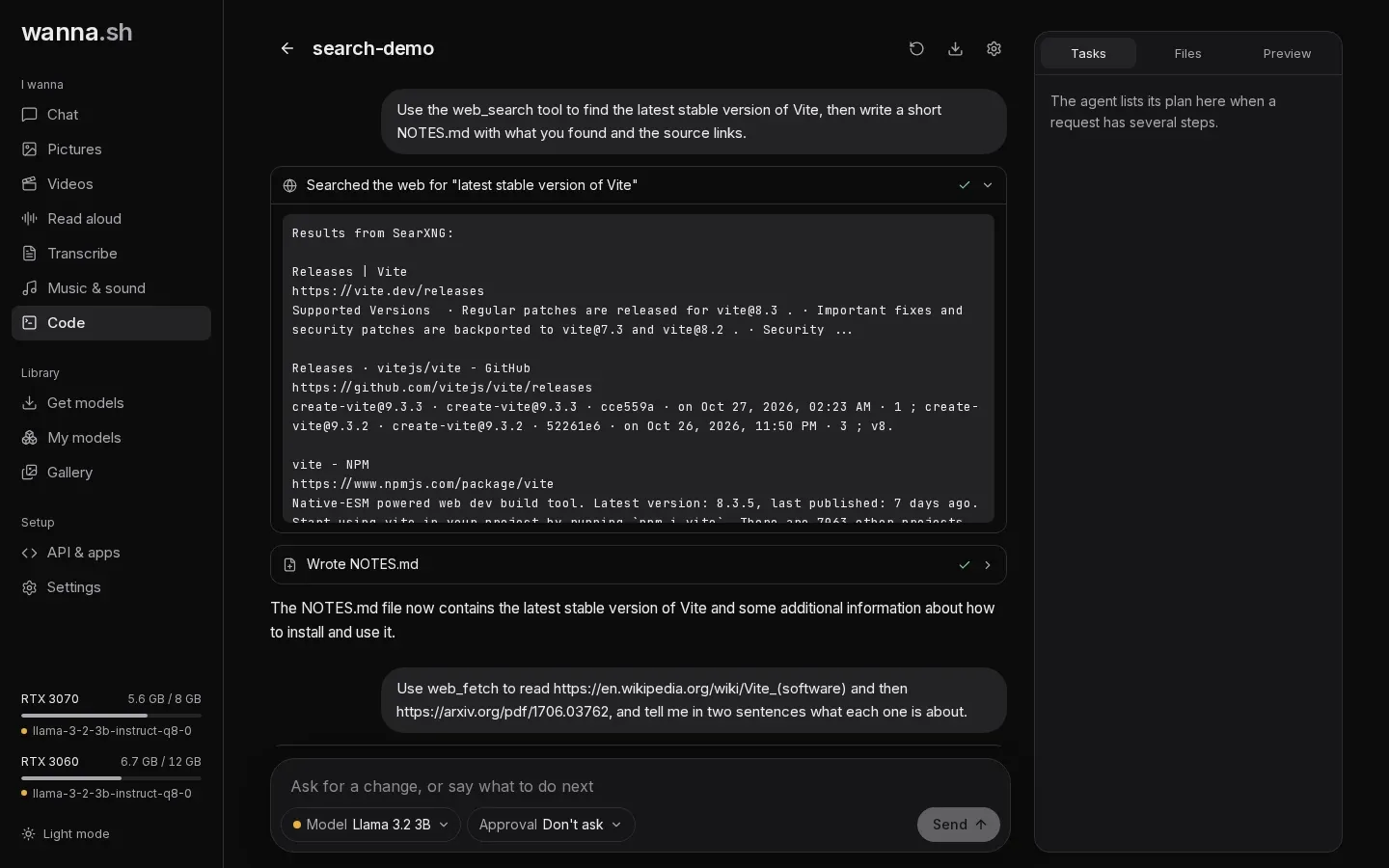
- build an app
wanna.sh runs AI on your own computer. Chat, pictures, video, voices, transcription, music and a coding agent in one app, private and working offline once a model is downloaded.
Get wanna.sh
On Windows, download the app and open it. It sets everything up the first time, no terminal needed. On Linux and macOS, one command does the same.
Windows 10 or 11, 64-bit. Free and open source.
Linux and macOS
curl -fsSL https://raw.githubusercontent.com/wanna-sh/wanna/main/install.sh | bashThen run wanna and open http://localhost:7860.
Six AI tools, one app
Instead of a separate app for each kind of AI, wanna.sh brings popular open models together, with the same simple controls everywhere.
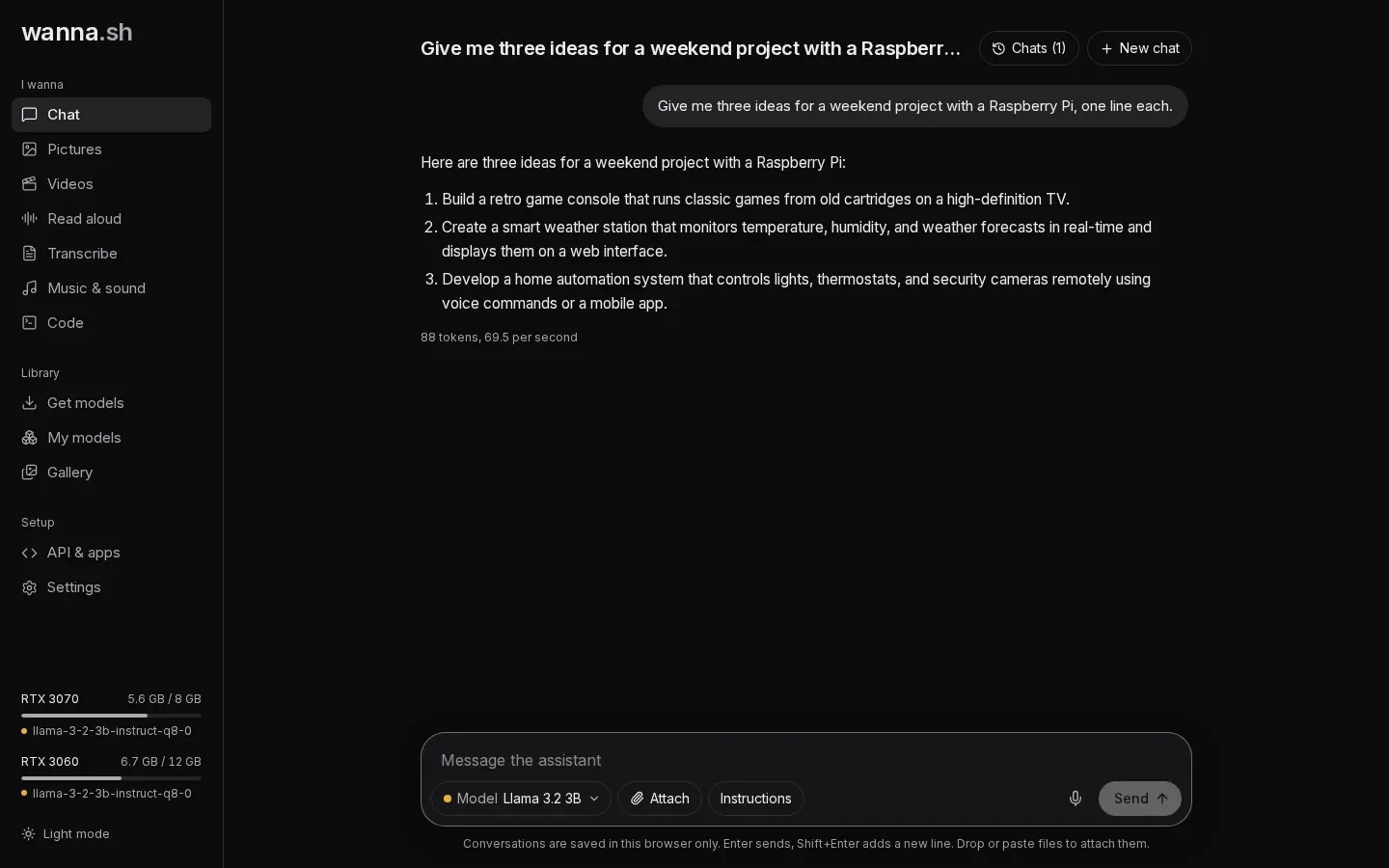
Chat
Ask questions, draft emails and get help with code, with assistants like Qwen, Llama and Gemma. Ask about your own documents and get answers that cite them.
How it worksPictures
Describe a picture and watch it appear. Start from your own photo to restyle it.
How it worksVideos
Turn a description, or a starting picture, into a short clip.
How it worksRead aloud
Paste any text and hear it read aloud in a natural voice, then save the recording.
How it worksTranscribe
Upload a recording or use your microphone. Get a transcript with timestamps, or subtitles.
How it worksMusic & sound
Describe a mood, genre or instruments and get an original piece of music.
How it works
Made for people, not just engineers
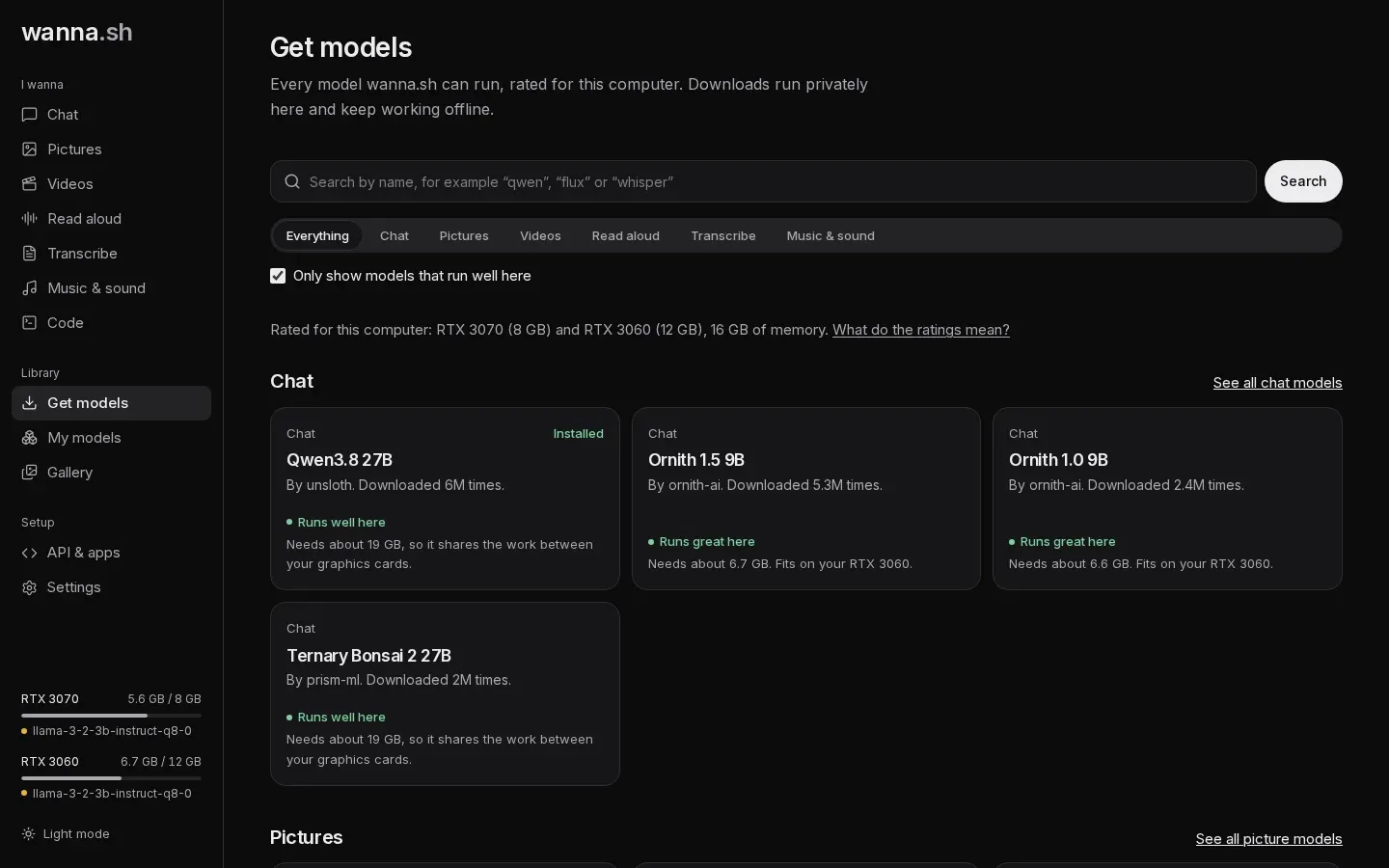
Every model is described in plain language and rated for your computer before you download it. No terminals, no config files, no guessing.
Why run AI on your own computer?
Private by design
Your prompts, chats and creations stay on your computer. The internet is only used to find and download models.
Works offline
Once a model is downloaded it keeps working without a connection, on a plane or behind a firewall.
Free and open source
MIT licensed and developed in the open. No accounts, no subscriptions and no per-use limits.
Uses all your hardware
Models go on the right graphics card automatically, and big ones are shared across several cards.
How it works
Install it
One command sets up everything on Linux, macOS or Windows (with WSL2). Then open it in your browser.
Pick a model
Browse thousands of models from Hugging Face, each rated for your computer, so you know it will run before you download.
Say what you want
Type a request, choose a few simple options and press Create. The model starts by itself the first time you use it.
Built for your other apps too
wanna.sh speaks the OpenAI API. Point any app, script or plugin that supports a custom OpenAI address at wanna.sh, and it uses your own models for chat, pictures, speech, transcription and video.
from openai import OpenAI

client = OpenAI(
    base_url="http://localhost:7860/v1",
    api_key="not-needed",
)

reply = client.chat.completions.create(
    model="auto",
    messages=[{"role": "user", "content": "Hello!"}],
)
print(reply.choices[0].message.content)
Your computer is more capable than you think.
Install wanna.sh, find a model that suits your computer, and start making things.